01 / DRIVE
Give it a push.
Aggressive push combining saturation, compression, upward compression, clipping, and limiting. Match the level with Drive Out.
Push / then compare
There’s Layers 2 This.
Four stages of Drive, Color, Saturation, and Limit in a warm, hands-on interface. Shape the push one layer at a time.
Holiday price · November 25–December 1, 2026
Free 14-day trial through Audioloom.
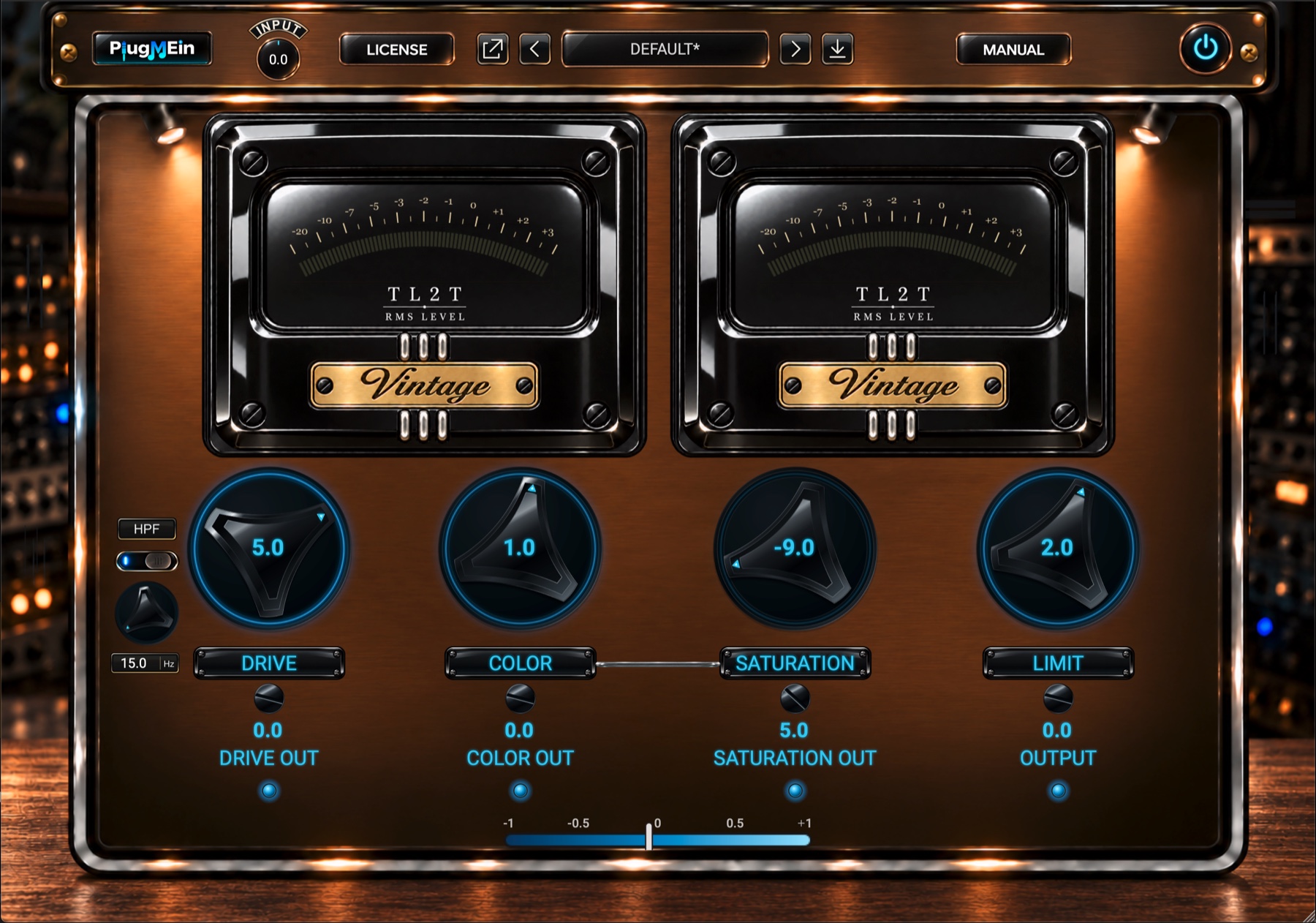
A look inside the Vintage operator's manual. Reveal the finished bronze interface, then follow the signal one layer at a time.
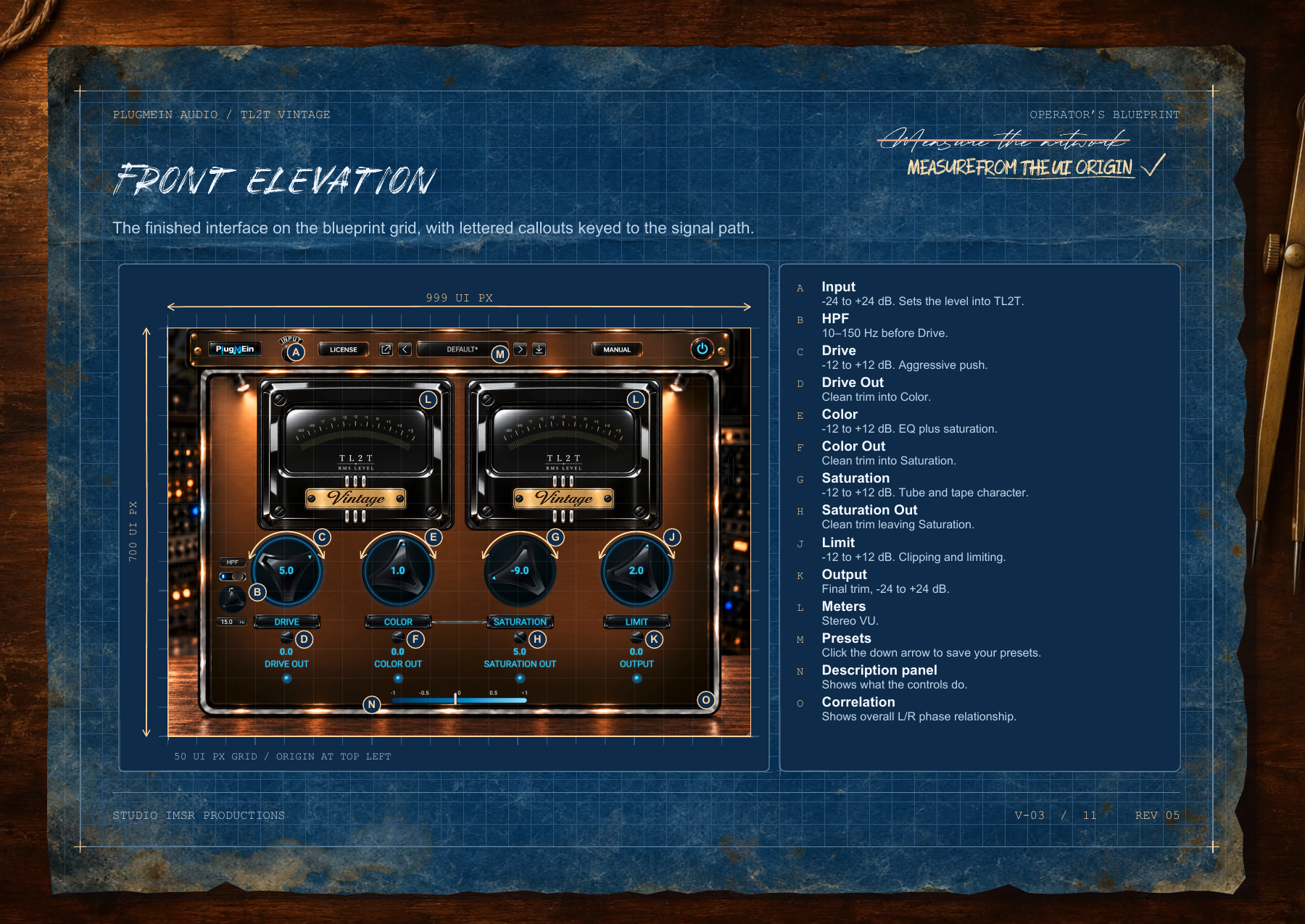
Explore each stage below, or open the complete manual to see every control.
Open the operator's manual ↓Start with a clean comparison. Set Input, then bring in one stage at a time. Each stage has an output trim so you can match loudness before deciding what the processing adds.
Aggressive push combining saturation, compression, upward compression, clipping, and limiting. Match the level with Drive Out.
Push / then compareMix-bus EQ shaping with saturation. Listen for a low-end bump and smoother highs. Use Color Out into Saturation.
Texture / then trimValve/tube-style and tape-style saturation. Raise it until the edge is clear, then back it down to fit the track.
Character / then trimClipping and limiting for a rounder push while controlling peaks. Set final Output and check the level after the plugin.
Peaks / final levelFollow the Vintage front panel from Input and HPF through the four stages, final Output, and Stereo VU meters. The operator’s manual maps the finished controls.
Click the drawing to open it at full size.
These are rough, unmixed demos. Compare each original with its Vintage pass at a fair playback level. Listen for added impact and character while keeping the music in focus.
Unmixed Ruff Demo Mix; the original reference for both Vintage comparisons.
A measured TL2T Vintage pass, aiming to retain the rough mix’s original tone.
A stronger Vintage push on the same unmixed demo, included for comparison.
The unmixed original rough mix, already hitting −1 dB.
A controlled Vintage pass on the same rough mix. Listen for presence without overdoing it.
The unmixed original rough mix, already hitting −1 dB.
A Vintage pass on the same rough mix with the Color stage left out. Listen for controlled impact.
Listening note: The source bounce names include different RMS values. Set a fair playback level when comparing character; louder can seem better even when the processing is not your preference.
The full instructional video covers both TL2T plugins and shows the controls in action. Watch the session before trying the 14-day demo.
Vintage section begins at 48:12
Watch Vintage at 48:12 ↗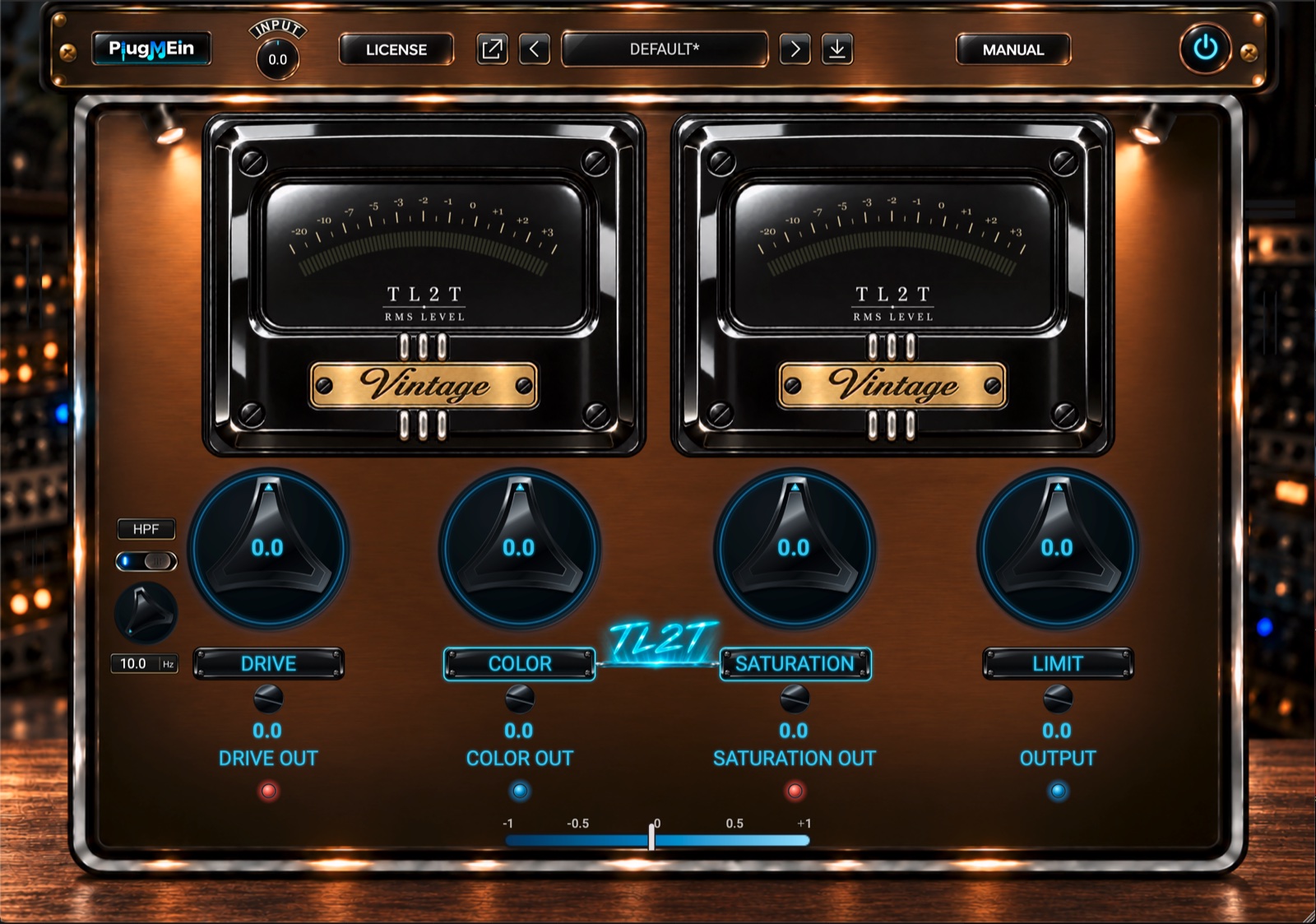
TL2T Vintage uses separate left and right Stereo VU displays. The front-panel HPF runs from 10 to 150 Hz, while the correlation display shows the overall left/right phase relationship.
Use a separate peak meter after TL2T to confirm dBFS or dBTP.
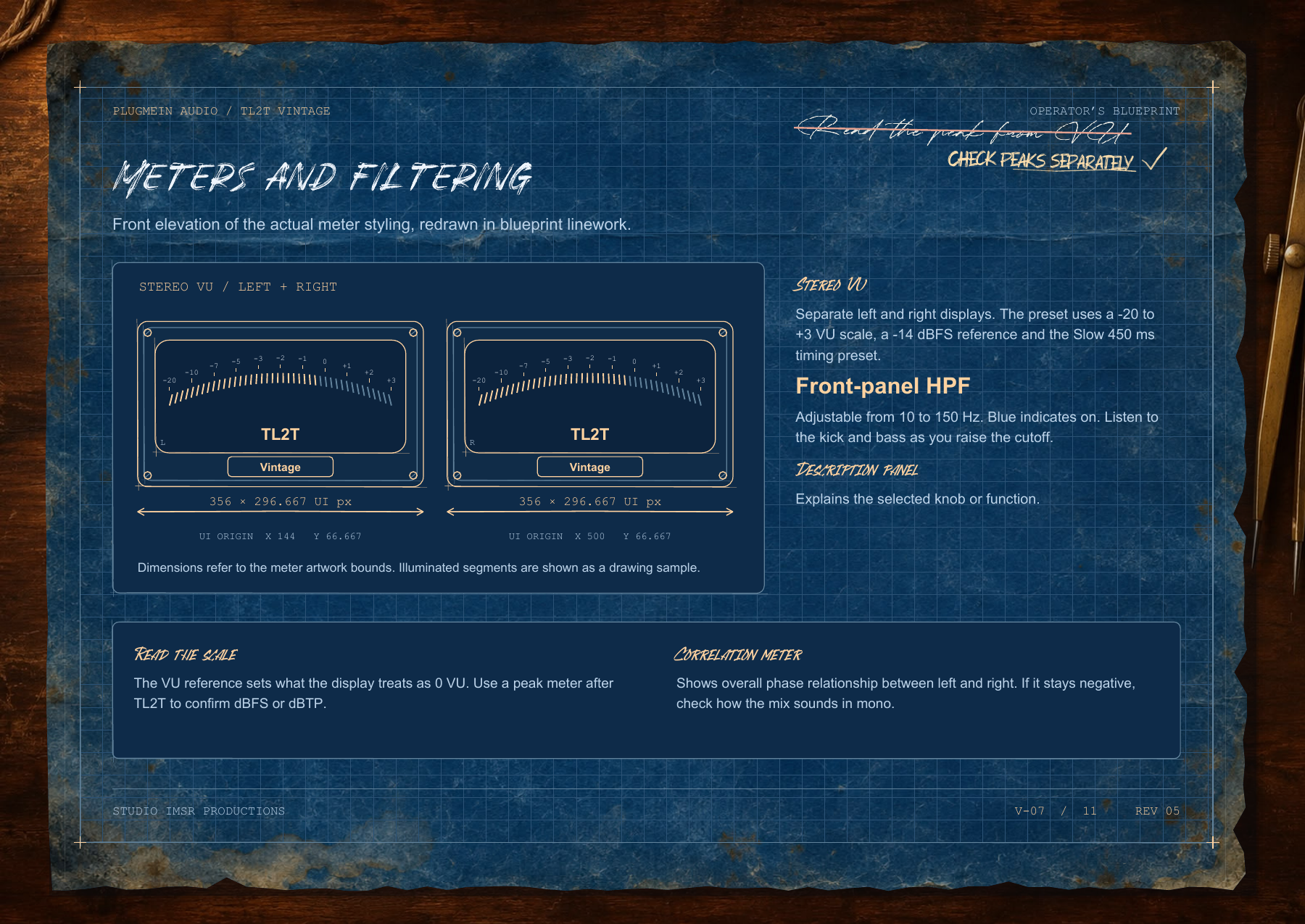
The Vintage manual maps the signal path, Stereo VU meters, front-panel HPF, controls, hologram glass, and a two-minute starting workflow.
Open the Vintage manual ↗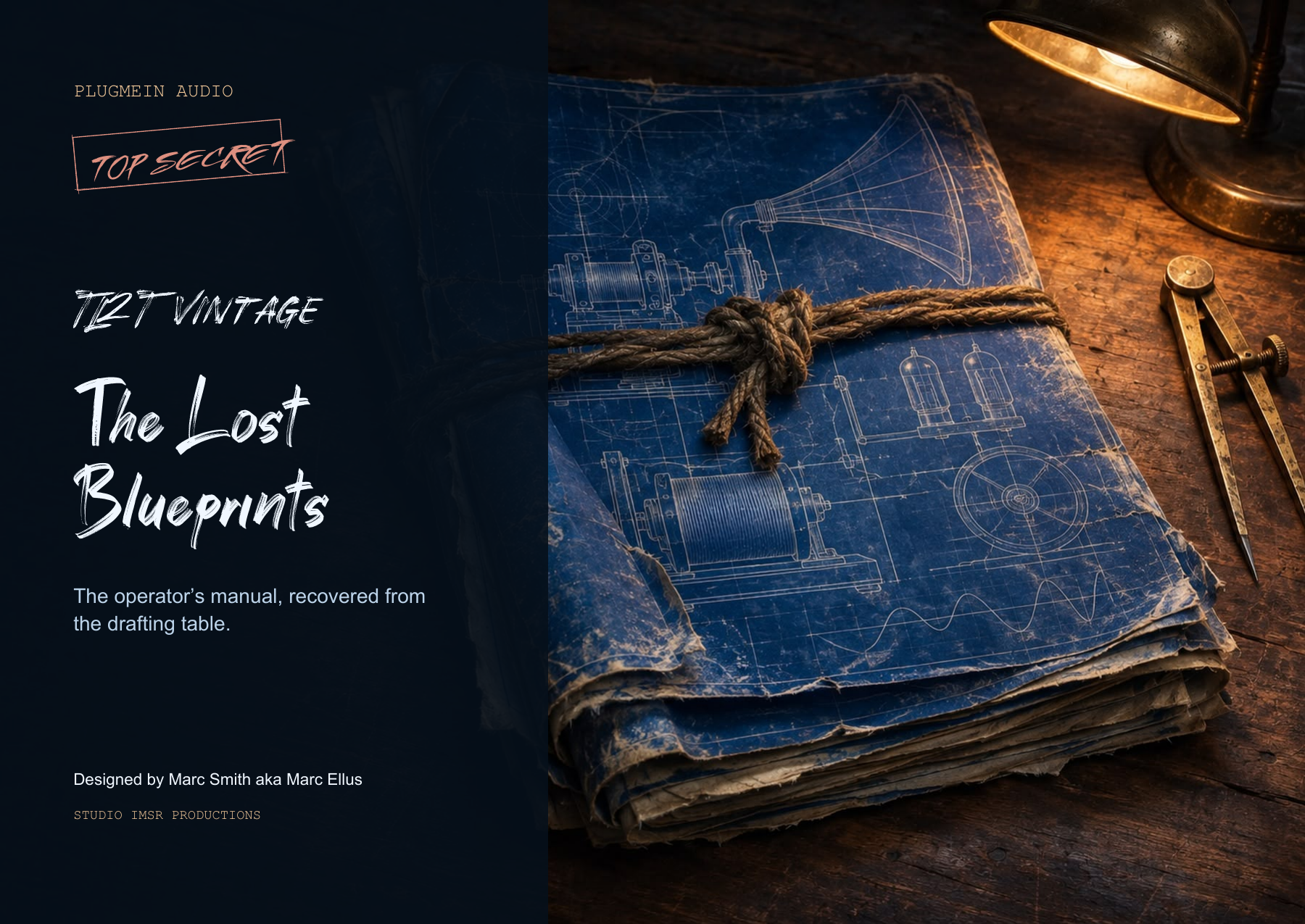
Four stages. Stereo VU. A warm front panel with your own way to shape the push.
Try TL2T Vintage free for 14 days through Audioloom.